OpenAPI and Swagger UI
Open the documentation of three different APIs and something odd happens: they look like siblings. The same collapsible list of endpoints, color-coded by verb. The same expandable parameter rows. The same block of schemas at the bottom. The same button offering to send a request from the page itself. Vera notices it on her second provider and wonders whether everyone copied one company's website.
Nobody copied anything. Those pages were generated, and they were generated from the same kind of source file: an OpenAPI description — a structured file, written in a format machines read, that lists every endpoint an API has, every parameter it takes, and every field it returns. It works like the standardized nutrition label on packaged food. One mandated format, any product; you learned to read the label once, and now the whole shop is legible at a glance.
The Contract as a File
An API's promise has to live somewhere before it can be published. In many organizations it lives in this one file, kept beside the API itself and updated when the API changes. The file is not written for you to read comfortably, but it is plain text and it is not a secret, and a glance at a few lines demystifies the whole idea quickly.
servers:
  - url: https://api.tandem.example/v1
paths:
  /stations/{id}:
    get:
      summary: Retrieve one station
      parameters:
        - name: id
          in: path
          required: true
          schema: { type: string }
      responses:
        "200": { description: The station }
        "404": { description: No such station }
Everything in that fragment is a word you already own. The base address with its version, a path relative to it, a verb, a parameter with its name and its place and whether it is required, and the responses this endpoint can give. It is the reference page from the last topic, written down in a form a program can process. The pretty documentation site is one rendering of it, and the point of the format is that it can be rendered many ways.
Recognizing Generated Documentation
The best-known renderer is called Swagger UI, and once you have seen it you will see it constantly. The signs: endpoints stacked as bars tinted by their verb, which you click to expand; a Parameters section inside each one, with a Try it out button that opens its form for editing; and a Schemas section at the foot of the page.
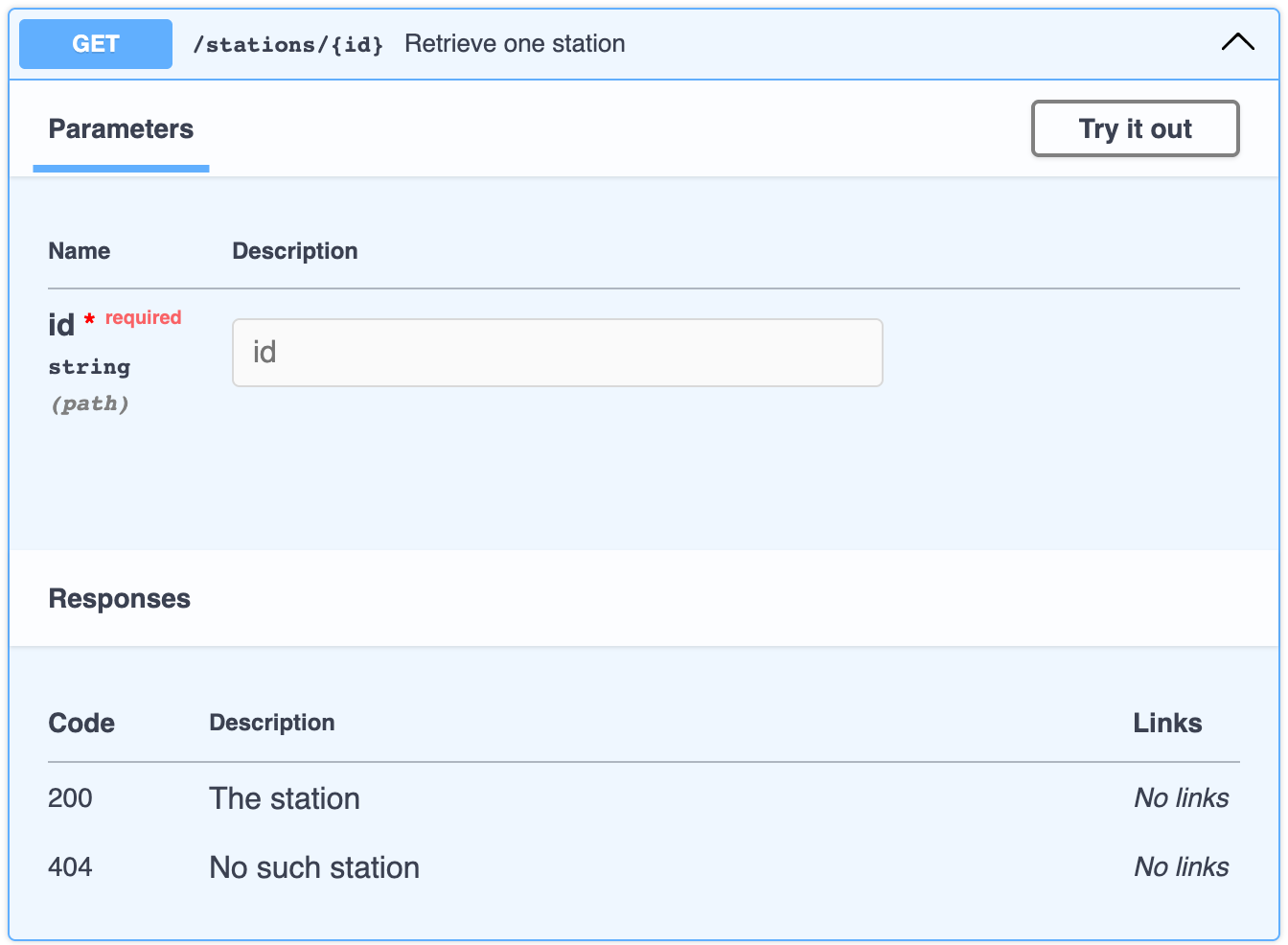
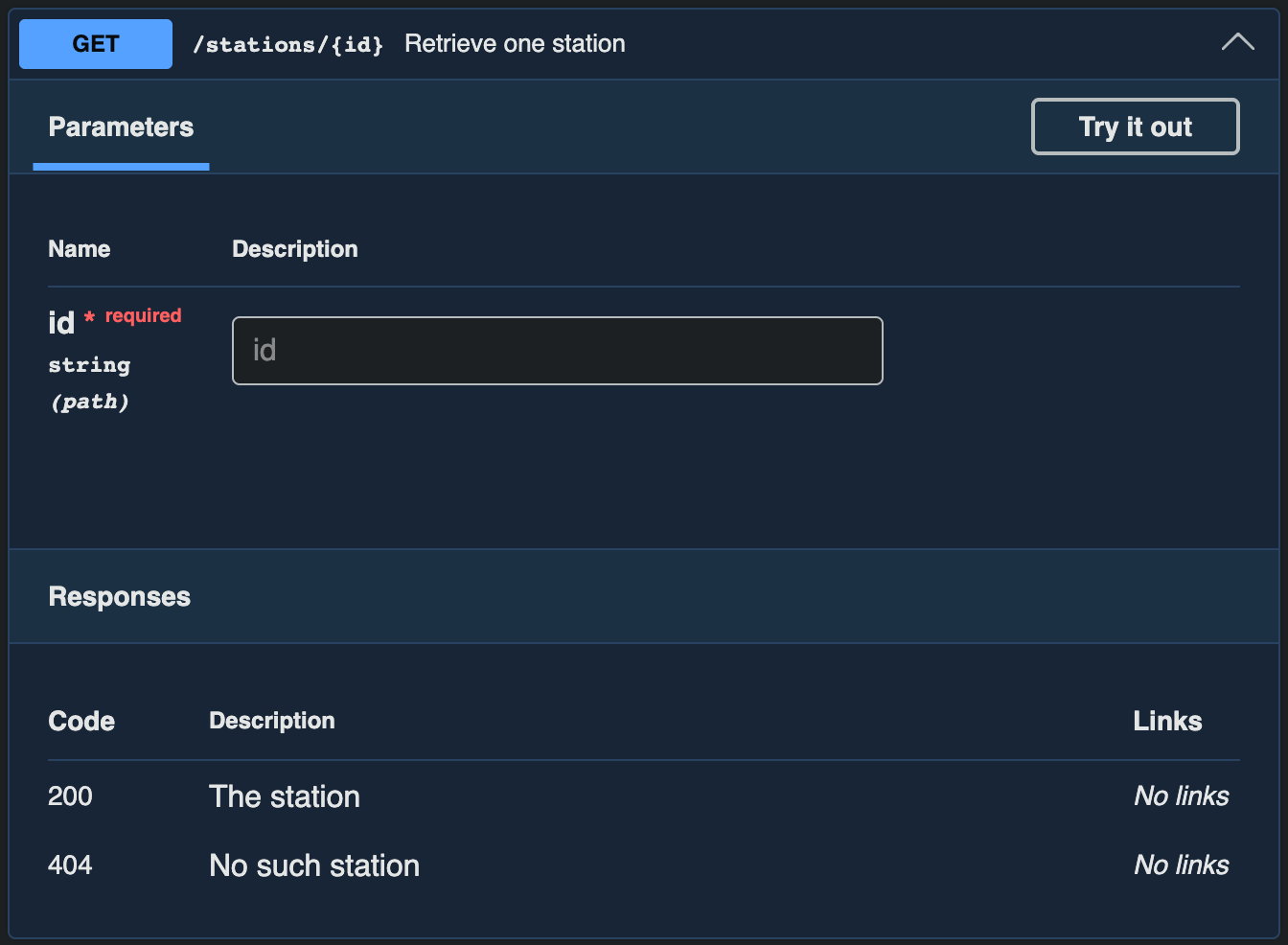
Recognizing it is worth something practical. It means the anatomy of Topic 25 applies directly, in a layout you have already navigated, so an unfamiliar API costs you the time to learn its nouns and nothing more. The word Swagger is the older name of the standard, kept alive by the tool; the standard itself is now called OpenAPI. That is vocabulary to recognize, not a decision anyone is asking you to make.
Try It Out, Honestly
Press Try it out, fill in the form, and the Execute button builds a request from what you typed and sends it. It is genuinely useful for a first poke at an unfamiliar endpoint, and it saves you assembling a command before you know whether the endpoint is even the one you want.
Two honest cautions come with it. First, once you paste your key into that form, every request the page sends carries it, and everything Topic 22 said about keys applies without discount. Second, this is not a simulator. The request goes to a real server, counts against a real quota, and if the verb is POST it creates a real thing, exactly as Chapter 3's reservation did. The next topic is about the place where none of that is true.
Why This Matters Without Writing Code
"Is there an OpenAPI file for this?" is a question worth asking at work, and asking it marks you as someone who knows what is possible. If the answer is yes, the API's whole shape can be handed to tools rather than retyped into them: a graphical client can import every endpoint at once, ready to send, which is the trick Chapter 10 shows off.
If the answer is no, that is information too. Hand-written documentation drifts from the real behavior more easily than generated documentation does, and drifting documentation is precisely the subject waiting at the end of this chapter.
- "Swagger UI is the API." It is a viewer over a description file. Three separate things exist here: the server, which is the API; the file, which is the promise written down; and the page, which displays the file. The last topic of this chapter is about the file and the server drifting apart.
- "Try it out is a safe simulation." Once you press Execute, a real request goes to the real server, with your key and against your quota. What makes trying things safe is a sandbox, which is the next topic, not the button.
- "OpenAPI or Swagger is a choice I have to make." Same lineage. Swagger was the original name, OpenAPI is the standard now, and Swagger UI is one popular tool that renders it. Vocabulary, not a decision.
- "A description file means the documentation is automatically correct." Generated pages drift less than hand-written ones, and they still drift, because the file is maintained by people who can forget. Less often wrong is not never wrong.
- Recognizing generated documentation collapses the cost of every new API to learning its nouns. The building is the same one you were in yesterday.
- One source, many products explains a decade of tooling you are about to meet: importable collections, generated client libraries, and automated contract checks that testers rely on.
Knowledge Check
What does an OpenAPI description file contain?
- The provider's issued API keys and the accounts they belong to
- Every endpoint, its parameters, and the shape of its responses
- The current data the API holds, refreshed whenever it changes
- The uptime record and past incidents for each of the endpoints
What actually happens when you press Try it out, fill in the form, and press Execute?
- A real request goes to the real server
- A simulated response is drawn from the docs
- The request is queued for provider review
- A curl command is generated but not sent
Why do so many different APIs have documentation that looks nearly identical?
- A web standard requires every API to publish its docs in one layout
- One company hosts the documentation for most of the APIs in the world
- The pages are generated from the same kind of description file
- Documentation designers copy whichever style is fashionable that year
You got correct